Current Tab
Record the active browser tab with optional tab sound.
Private Chrome screen recorder
Screen recording that's fast, private.
Record a tab, app window, full screen, selected area, or camera. Add audio, webcam effects, and annotations, then edit and export without sending your recording anywhere.
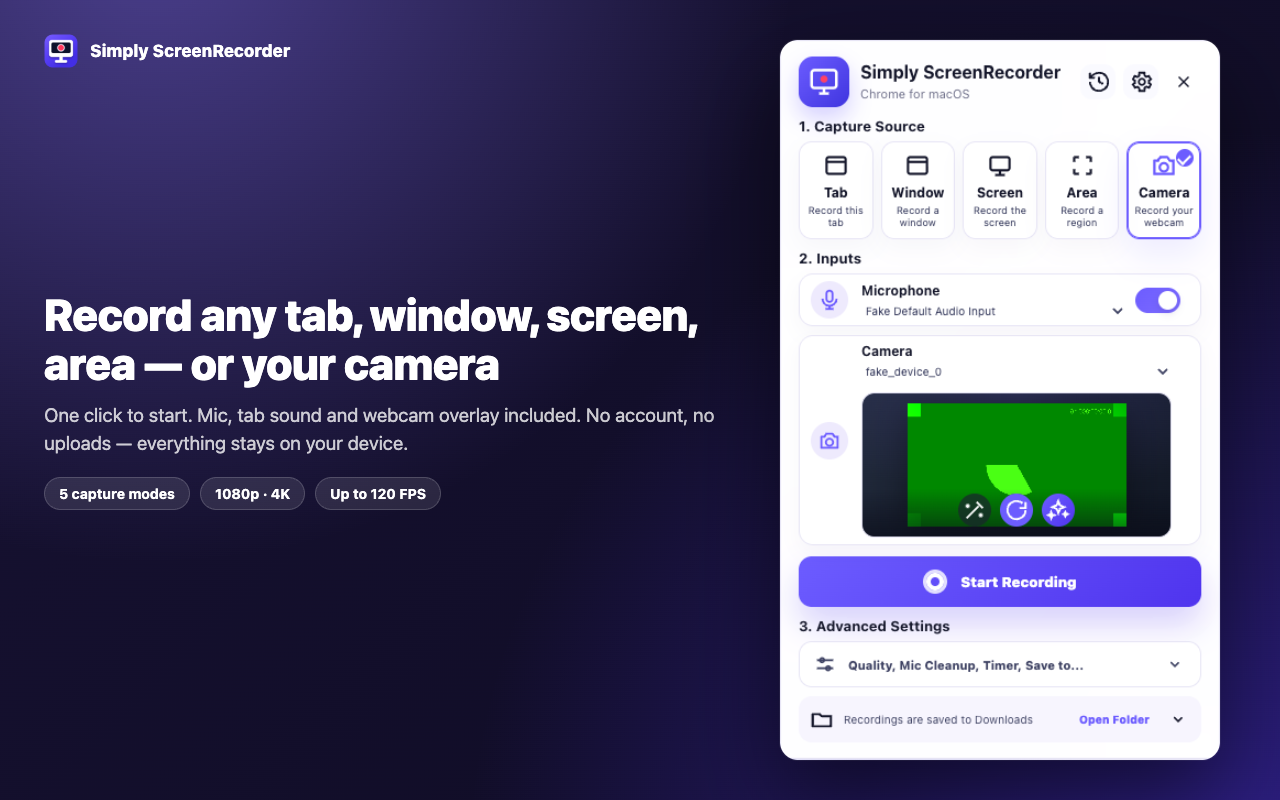
Capture your way
Choose the source, quality, audio, camera, countdown, and save location before recording starts.
Record the active browser tab with optional tab sound.
Capture one selected application window.
Record the complete display with system sound where supported.
Choose and record a specific region of the page.
Record directly from the selected webcam.
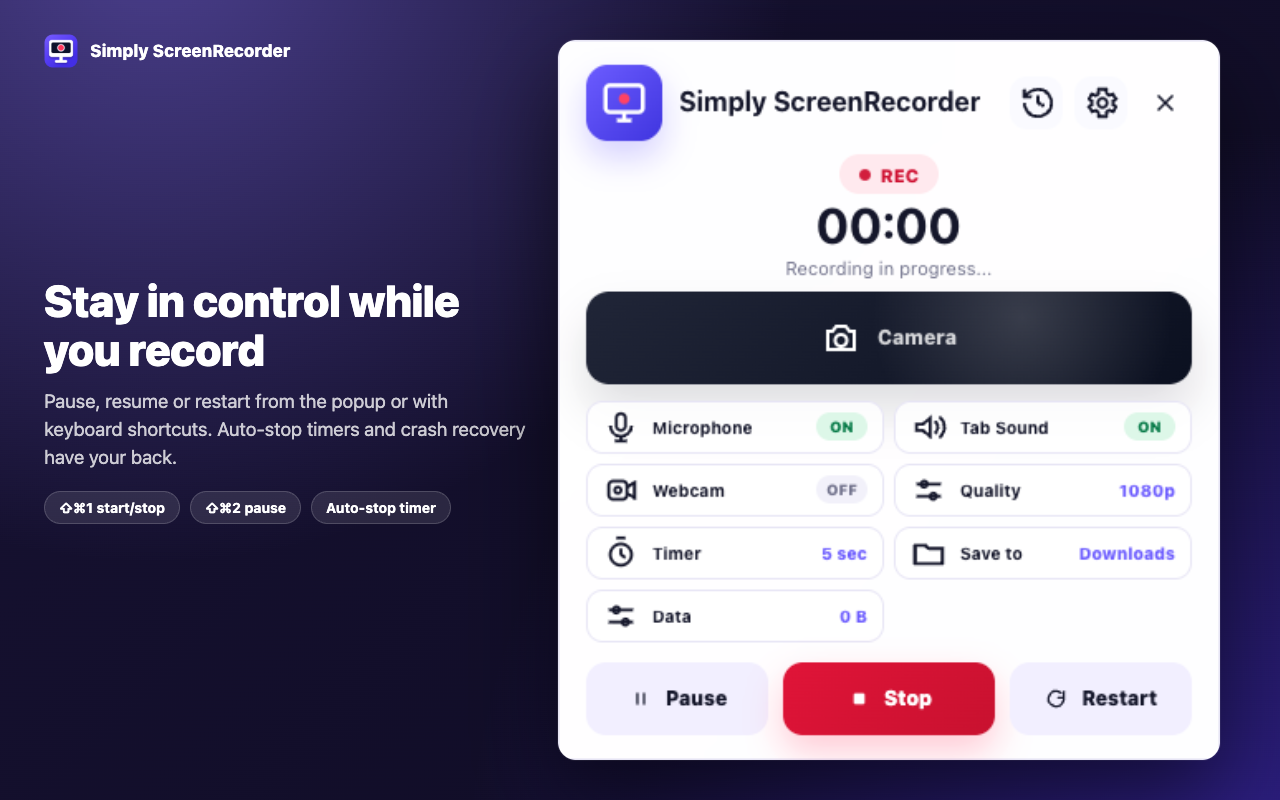
On-device webcam effects
Blur or replace the background, choose from 133 face masks, or protect a face with blur, pixelation, or hiding. The bundled models run locally.
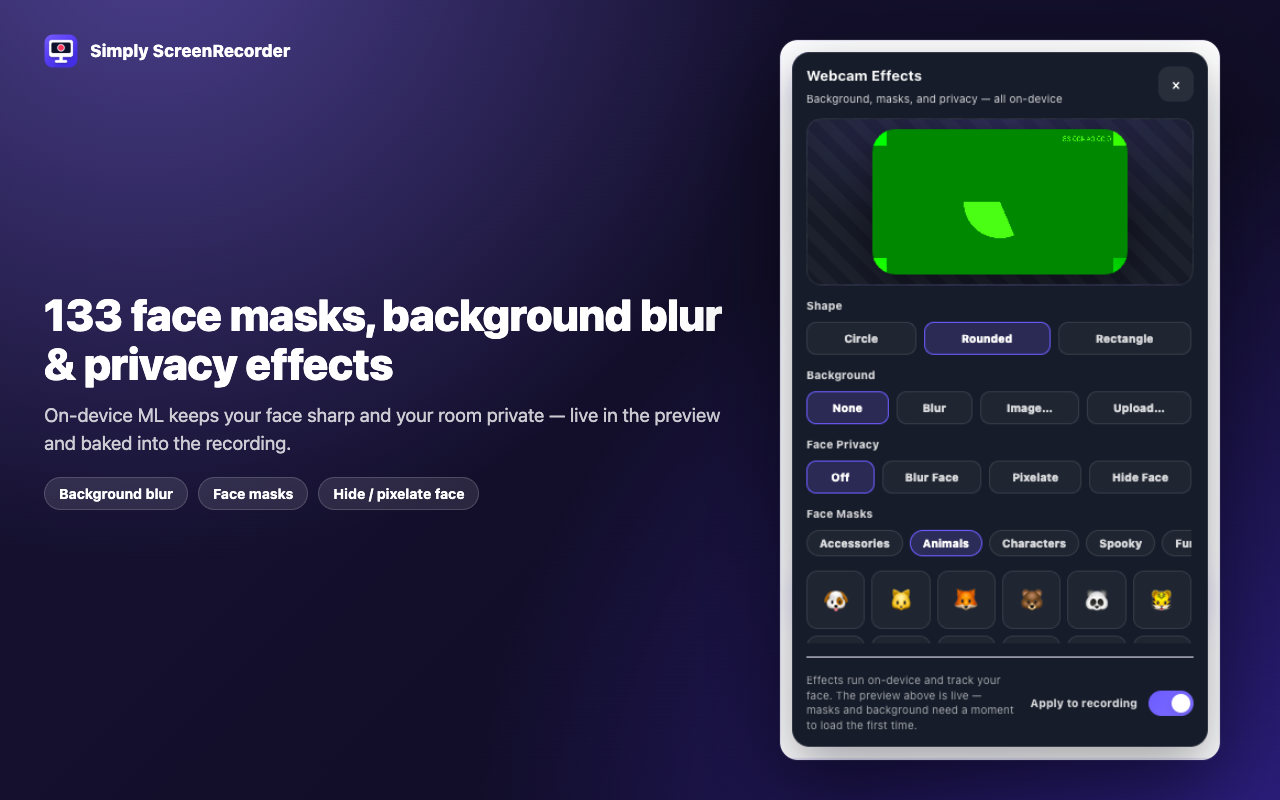
Control while recording
Use the popup or keyboard shortcuts while recording. A countdown helps you prepare, an auto-stop timer handles planned sessions, and crash recovery salvages interrupted recordings automatically.
History and editor
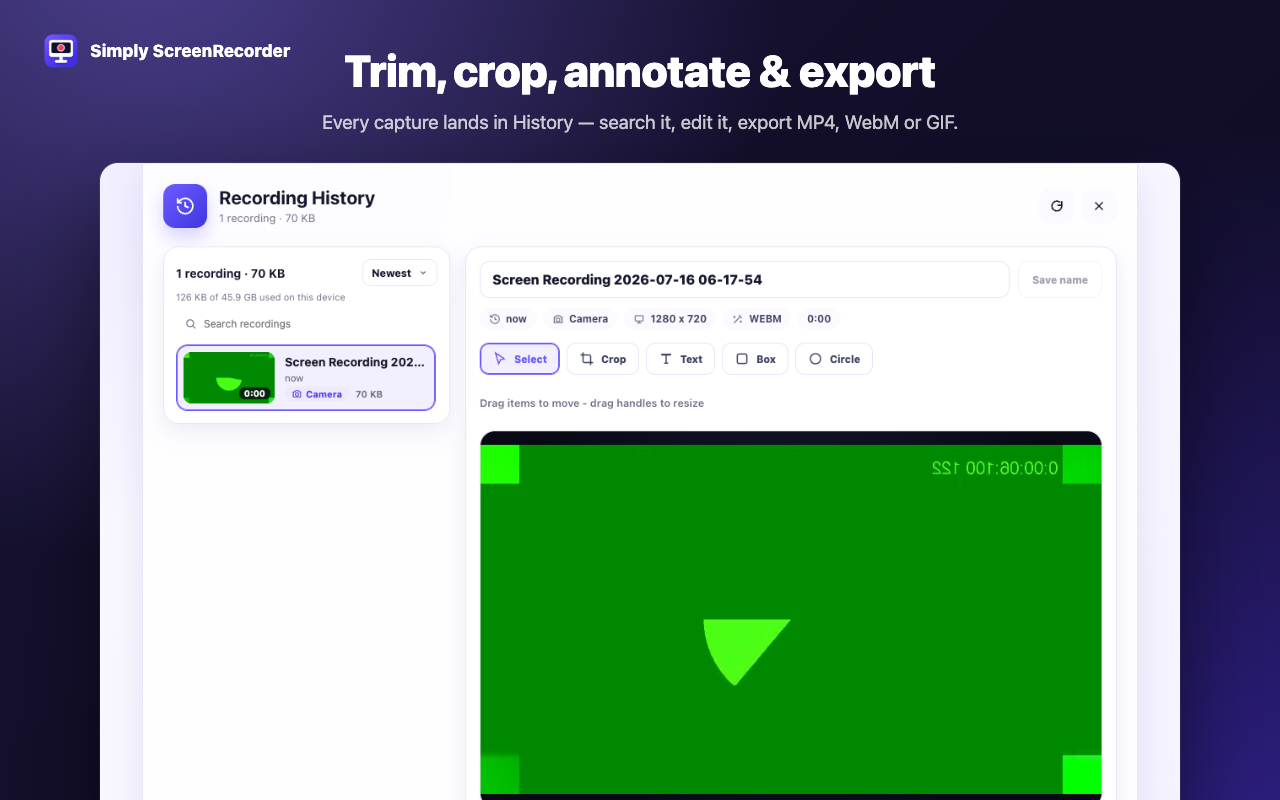
Recordings land in a searchable local library with bulk delete and a storage meter. The built-in editor handles trim, crop, text, boxes, and circles before export.
Private by design
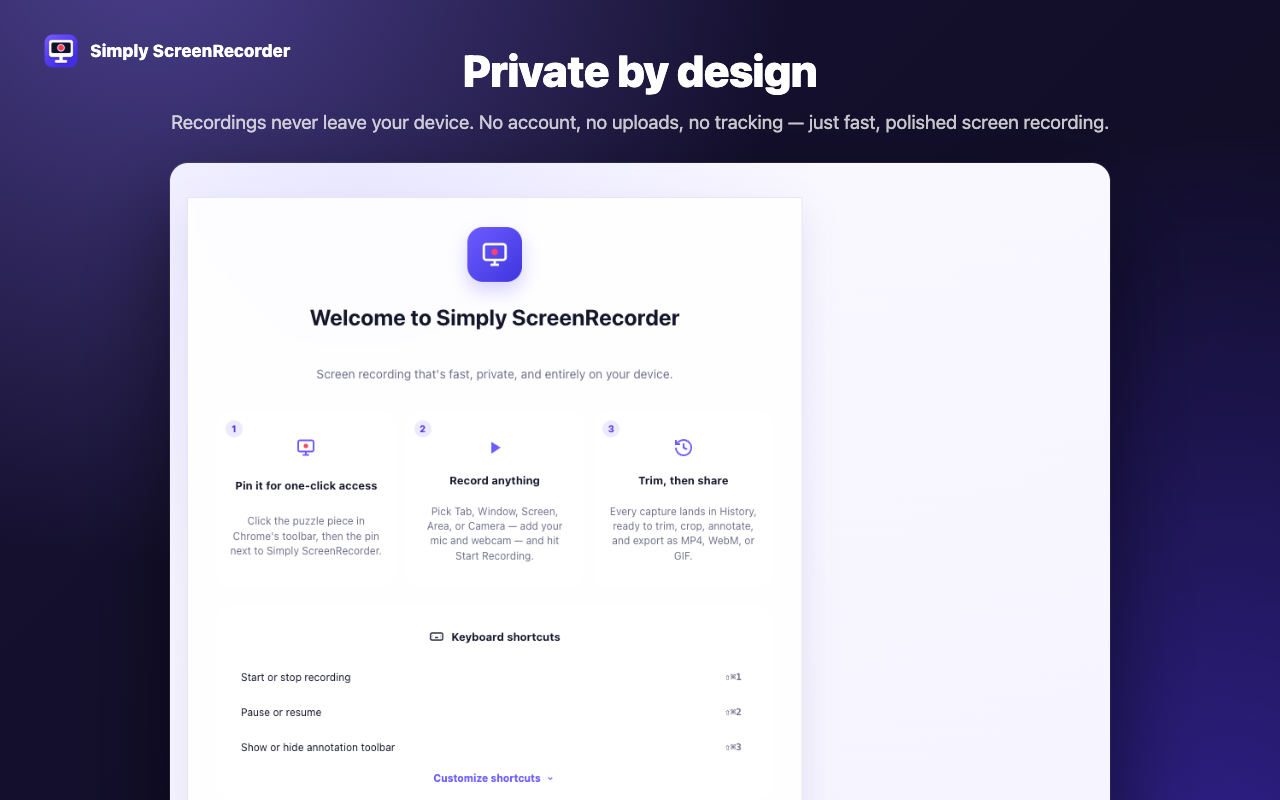
Simply ScreenRecorder has no account, no upload pipeline, no analytics, and no tracking. Recordings, edits, settings, and webcam effects stay on your computer.
Everything included
Choose quality up to 4K and frame rates up to 120 FPS, with smart bitrate scaling.
Record microphone audio with noise cleanup alongside tab or system sound.
Drag, resize, and choose a circle, rounded, or rectangle webcam shape.
Use pen, highlighter, shapes, and click highlights while recording.
Use countdown, auto-stop, pause, resume, and keyboard shortcuts.
Interrupted recordings are salvaged automatically.
Search recordings, bulk delete items, and monitor local storage use.
Trim, crop, and add text, boxes, or circles before export.
Use Simply ScreenRecorder in 10 languages and choose from 6 UI themes.